




How to Use Each Drive Mode in Your Jeep Grand Cherokee? Maximize Traction & Control in Your Jeep
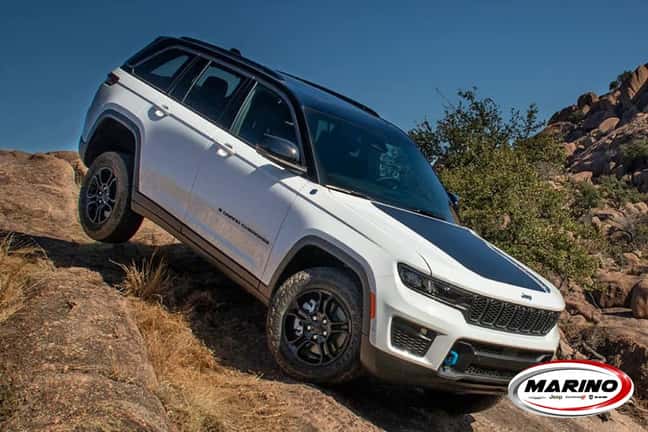
Selec-Terrain® Traction Management System
The Jeep Grand Cherokee is a versatile and capable SUV that can handle a wide range of driving conditions. One key feature that makes it so capable is the available drive modes. Known as the Selec-Terrain® Traction Management System, this innovative feature allows the ability to switch between Auto, Sport, Rock, Snow, and Mud/Sand modes to maximize traction and control in any situation.
Stick around while we explore how to use each drive mode in your Jeep Grand Cherokee.
Auto
This is the default setting, ideal for everyday driving on paved roads and light off-roading. The vehicle’s computer system automatically monitors road conditions, adjusting torque distribution between the front and rear wheels. The torque distribution system ensures better control and stability while also improving fuel efficiency.
Sport
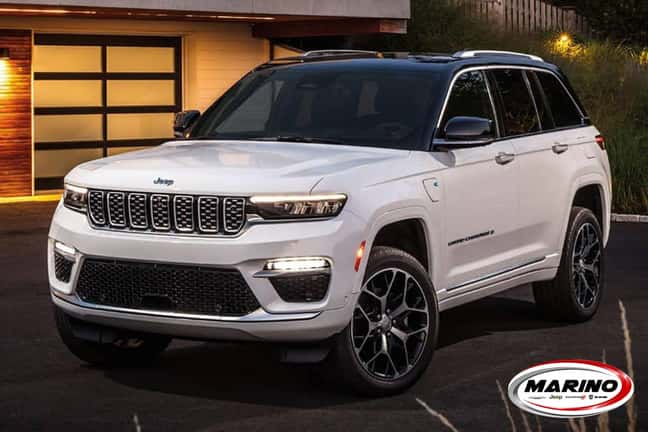
Ideal for spirited driving on paved roads, the Sport mode tweaks your car’s engine and transmission settings to provide a more exciting driving experience. The quicker response to the gas pedal and faster gear shifts give you enhanced control over your car’s performance, especially on winding roads.
While Sport mode is excellent for those craving a sporty and exhilarating ride, it is not recommended for off-road adventures.
Rock
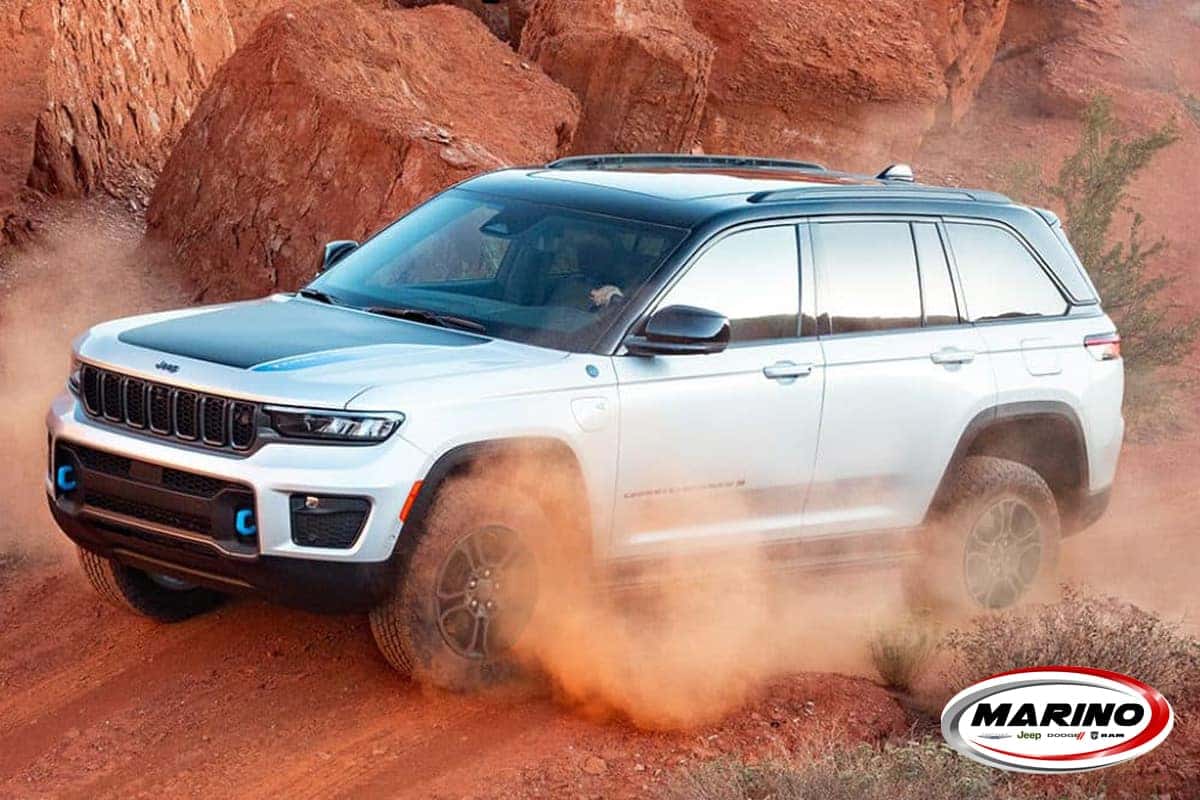
Rock mode is tailored for crawling over rocky terrain at low speeds. This mode maximizes traction and control by locking the front and rear axles together, reducing throttle response, and delivering evenly divided torque. It is the perfect mode for heavy off-road use.
Snow & Mud/Sand
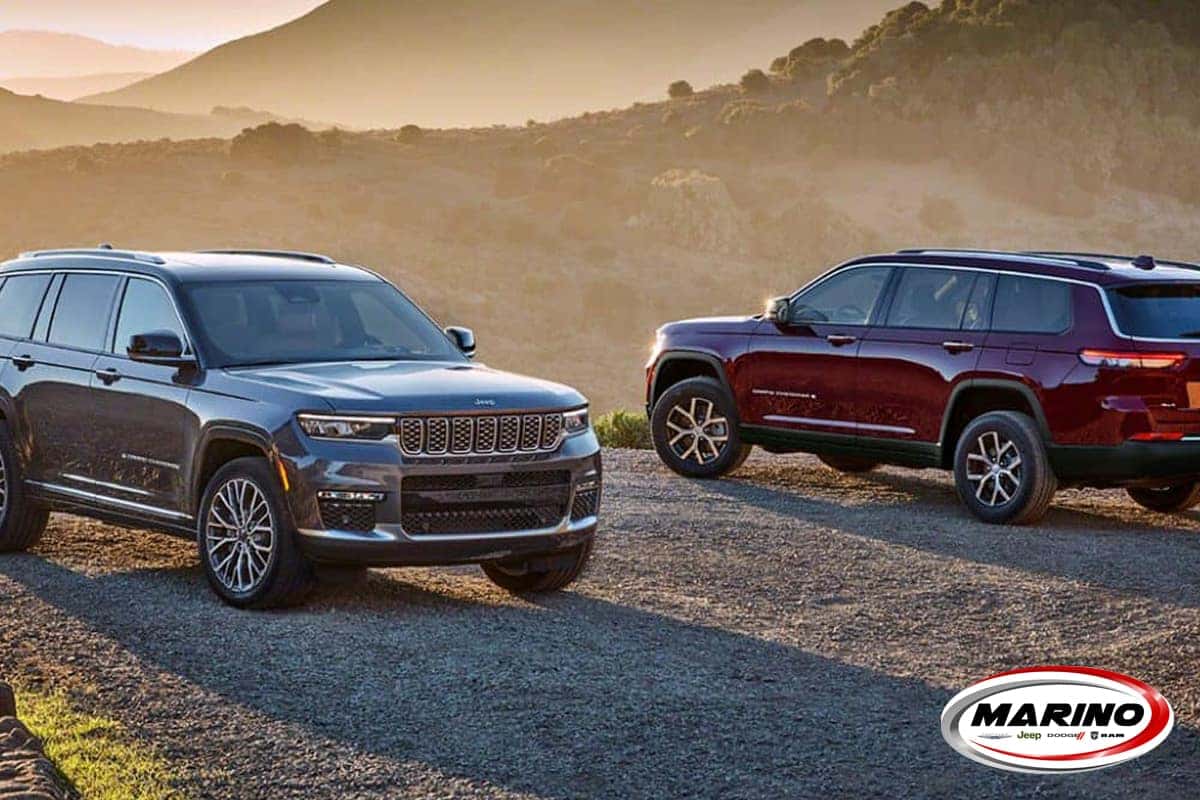
Designed for icy or snowy conditions, the Snow mode adjusts torque distribution and throttle response to provide superior traction on slippery surfaces and terrain. Transmission shift points are modified to prevent wheel spin and loss of control, making it the preferred mode when dealing with harsh winter driving conditions.
The Mud/Sand mode handles mud or gravel-heavy roads and paths. It recalibrates torque and throttle responsiveness to empower wheels with traction, minimizing wheel spin and enhancing control. Ideal for off-roading in challenging terrains.
How to Use
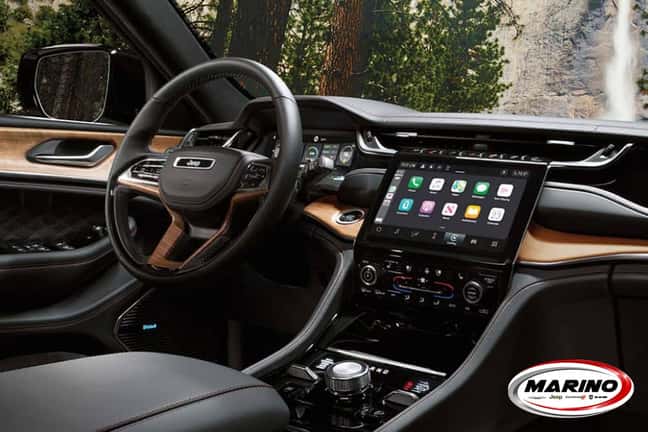
To begin using the drive modes, look towards the center console of your Jeep Grand Cherokee. You should notice a switch with the various modes listed above it. Select the mode you wish to use and ensure the light icon is lit up next to it; this way, you know it is engaged.
When you no longer need the specified mode active, switch the driving mode selector back to the standard setting.
Visit Marino Chrysler Jeep Dodge Ram to Learn More
These diverse drive modes offered by the Jeep Grand Cherokee add flexibility for conquering a multitude of driving conditions. Understanding how to use each mode effectively enables you to maximize traction, control, and maneuverability, ensuring an optimal driving experience.
Whether navigating paved city streets, the open highway, or trails off the beaten path, the Jeep Grand Cherokee’s available Selec-Terrain® Traction Management System has the mode capable of tackling it with ease.
If you’re interested in learning more about Selec-Terrain® or are excited to experience it firsthand, we encourage you to book a test drive online and visit us at Marino Chrysler Jeep Dodge Ram. We can help you discover more about each drive mode and assist you with finding the Jeep Grand Cherokee of your dreams today!
www.jeep.com
0 comment(s) so far on How to Use Each Drive Mode in Your Jeep Grand Cherokee? Maximize Traction & Control in Your Jeep